Exam Guide
Samarth Exam Form Guide
Exam forms usually open for a limited period. This independent guide explains how students can approach the form, verify subjects, and save payment receipts.
Last updated: May 19, 2026
Before Filling the Exam Form
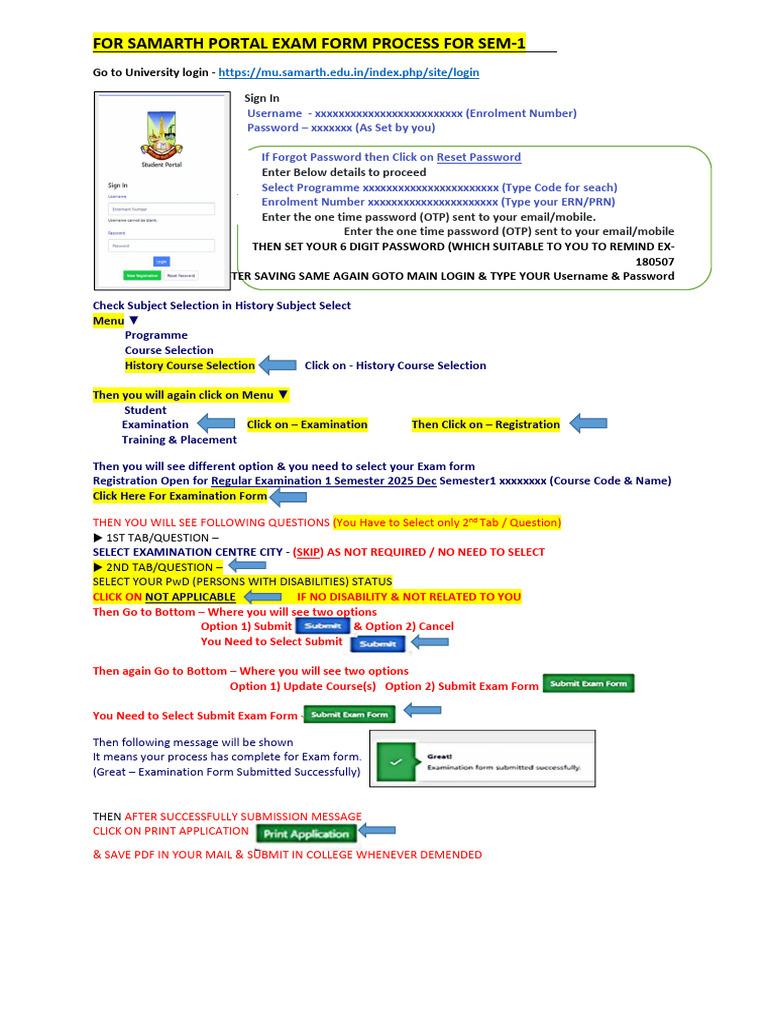
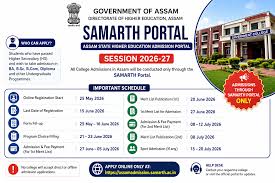
Check your university notice, form dates, eligible semester, subject list, fee amount, and required documents before opening the form.
Fee Payment and Receipt
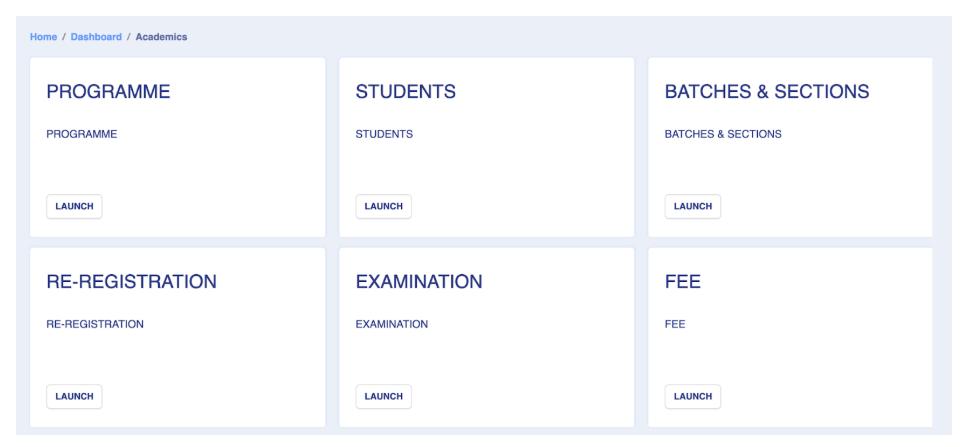
If payment is required, complete it only through the official university or Samarth payment flow. Save receipt, transaction ID, and final submitted form.
Exam Form Status
After submission, check whether the form status shows submitted, paid, verified, or pending. Status labels vary by university.
Step-by-Step Guide
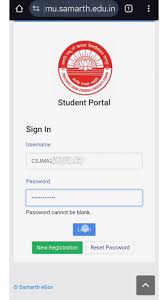
Login to the student dashboard.
Open the examination or exam form section.
Select course, semester, and subjects.
Verify personal and academic details.
Pay fees if required.
Download confirmation and receipt.
Official Portal CTA
Use this guide for preparation only. For final forms, payments, notices, and account actions, open the official Samarth eGov portal or your university website.
Visit Official Samarth PortalFAQs
Is samarthportal.org the official Samarth portal?+
No. samarthportal.org is an independent informational guide. For final confirmation, forms, notices, payments, and official updates, visit the official Samarth portal or your university website.
Which website is the official Samarth eGov portal?+
The official Samarth eGov portal is available at https://samarth.edu.in. External official links on this website open in a new tab.
What if payment is deducted but exam form is pending?+
Wait for reconciliation, save the transaction proof, and contact the official university support channel if the status does not update.
Can I change subjects after submission?+
Subject changes depend on university rules and correction windows.
Written by
Samarth Portal Guide Editorial Team
Independent education guide writers
We explain student portal workflows in simple English and remind readers to confirm final details on the official portal or their university website.
External official link
Open the official portal in a new tab when you are ready to complete official actions.
Visit Official Samarth Portal